Bank reconciliation statement in accounting PDF: How to prepare and use one
Prepare a bank reconciliation statement in accounting pdf with clear steps, examples, and review tips.
Key Takeaways
A reconciliation gives you a clear way to explain the difference between your bank statement and accounting records. A consistent process makes each balance easier to verify and review.
- Compare the bank statement with the cash account in your books.
- Separate timing differences from items that need an adjustment or investigation.
- Use supporting records to verify transactions and explain exceptions.
- Check that adjusted bank and book balances agree before closing the reconciliation.
- Save the completed statement and evidence so another reviewer can follow your work.
What a bank reconciliation statement is
A bank reconciliation statement explains how the balance shown by your bank relates to the cash balance in your accounting records for a particular period. It identifies differences and shows which ones are due to timing, missing entries, or another issue. Preparing one regularly helps you know what cash position your books actually support.
How it compares bank and book balances
Your bank statement reports activity processed by the bank, while your ledger records activity entered into your accounting system. Those records can differ on the same date even when both are accurate. A check you have issued may not yet have cleared, or a deposit you recorded may still be on its way to the bank.
The reconciliation starts with each record’s ending balance and explains the adjustments needed to make them comparable. The adjusted balances should agree once you account for valid timing items and correct any errors. If they do not, keep investigating rather than forcing a balance.
Why businesses prepare reconciliations
A regular reconciliation helps you find forgotten fees, duplicated entries, deposits recorded for the wrong amount, and transactions that do not belong. It can also surface unusual activity while there is still time to ask the bank or the person who handled the transaction for details. The work is useful even in a small business with only one operating account.
You can make the process more repeatable by using the same period cut-off, account records, and review steps each month. For broader guidance on the purpose of reconciliations and safeguarding cash, see this cash-control guidance. A documented process makes it clearer who prepared the comparison and what still needs follow-up.
How it supports accurate financial reporting
Cash often affects decisions about bills, payroll, forecasts, and period-end reporting. If the ledger balance includes activity that has not been recorded correctly, reports based on it may be misleading. A completed reconciliation gives you a reasoned balance and a record of unresolved items, rather than an unexplained number.
It also helps you carry open items into the next period and confirm that they clear when expected. Reconciliation does not replace review of the rest of your financial records, but it gives you a sound basis for the cash figure you report.
What to look for in a PDF statement or template
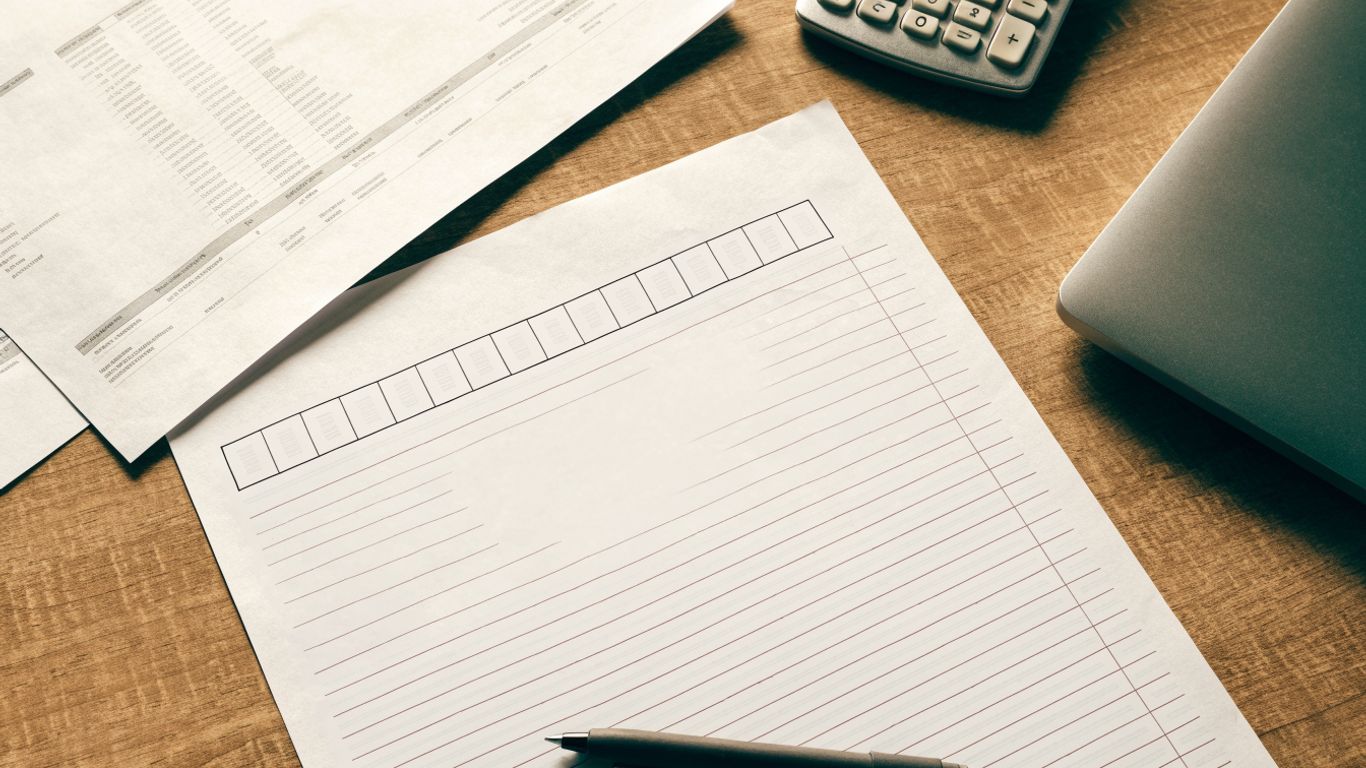
A useful bank reconciliation statement in accounting pdf should make the period, account, and balance calculations easy to understand. Whether you print a blank template or prepare your own document, it should show how you moved from the bank balance and book balance to the final reconciled amount. Choose a layout that leaves room to explain exceptions, not just enter totals.
Essential fields and balance sections
Start with identifying details: the account name or number, statement period, preparation date, and preparer. The template should also provide distinct places for the statement ending balance, book ending balance, reconciling items, and adjusted balances. If the two adjusted balances do not agree, there should be room to state the remaining difference and its status.
A simple field map can help you assess whether a template has enough detail before you start filling it in:
| Section | What to enter | Why it helps |
|---|---|---|
| Account and period | Account identifier and statement dates | Defines which records belong in the comparison |
| Bank balance | Statement ending balance | Establishes the bank-side starting point |
| Book balance | Cash ledger balance | Establishes the accounting-side starting point |
| Reconciling items | Amount, description, and treatment | Explains how the balances are brought into agreement |
| Adjusted balances | Final bank and book amounts | Shows whether the reconciliation is complete |
After you fill in the form, check that each amount can be traced back to a statement line, ledger entry, or supporting document. A template that captures only one total may be quick to complete, but it is harder for someone else to review.
Supporting documents to gather
Before you begin, collect the full bank statement for the period and the relevant cash ledger or general-ledger detail. You may also need deposit records, check or payment listings, transaction receipts, and prior-period reconciliation details. These help you tell whether an item is simply delayed or absent from the books.
If the statement is a PDF and you need the transactions in a spreadsheet, a PDF transaction data workflow can help you consider extraction and verification options. Know Your Bank Statement extracts transaction data from digital or scanned bank statement PDFs into Excel, CSV, or JSON. The extracted data still needs to be checked against the original statement before you use it for reconciliation.
Choosing a printable PDF or editable file
A printable PDF works well when you want a fixed record to sign or archive. An editable spreadsheet or document is easier when you need to calculate totals, add explanations, or reuse a template each month. Whatever format you choose, preserve a final version that shows the completed review rather than relying on a blank form.
Know Your Bank Statement is designed to extract transaction data from digital and scanned bank statement PDFs, with the output available in Excel, CSV, or JSON. Its extraction can include dates, descriptions, debits, credits, and balances; results depend on the statement’s quality and layout. If you use an extracted file, compare it with the original PDF and correct any fields that do not match.
How to prepare a bank reconciliation
You can prepare a reliable reconciliation by working from a defined statement period and tracing each relevant transaction through both records. Begin with the bank and book balances, then separate matched activity from items that need explanation. A careful sequence makes the final calculation easier to verify and reduces the temptation to use an unexplained balancing figure.
Confirm the statement period and opening balances
Check that the bank statement covers the period you intend to reconcile and that it belongs to the correct account. Compare its opening balance with the prior statement’s closing balance, and compare the book opening balance with the prior reconciled ledger balance. If either opening amount is off, resolve that carry-forward issue before adding current-period adjustments.
Also note the statement’s ending date and the date through which your books are recorded. A mismatch in cut-off can make normal transactions appear missing, so keep the dates visible on your working paper.
Match deposits and payments against accounting records
Compare deposits, checks, electronic payments, and other activity line by line. Match by amount and date, using descriptions or reference numbers as supporting clues. Do not assume that similar amounts are the same transaction; confirm the details in the source records.
A short matching sequence keeps the work consistent, especially when the account has many transactions:
- Mark each statement item that agrees with a book entry.
- Mark each book entry that appears on the statement.
- List unmatched items separately with dates, amounts, and references.
- Check unusual or repeated amounts against receipts and transaction detail.
Once you have separated matched from unmatched activity, look for items that belong in the reconciliation and items that need correction. For a statement still in PDF form, Know Your Bank Statement can extract transaction data from digital or scanned PDFs; you can then review the extracted fields against the original and match verified activity to your books. Extraction organizes statement data but does not decide whether an item is a valid reconciling difference.
Adjust for timing differences and bank errors
An outstanding check or payment recorded in your books but not yet cleared by the bank is generally a timing difference. A deposit recorded by you but not yet posted by the bank is another common example. These items usually affect the bank-side calculation, while bank fees, interest, or returned payments not yet entered in your books may require a book adjustment.
Keep bank errors distinct from your own accounting errors. If a bank transaction appears incorrect, document the amount and contact the bank as appropriate; do not change your books to match a suspected bank error without evidence. Likewise, a missing or duplicate book entry should be investigated and corrected in the accounting records.
Calculate and verify the adjusted balances
Start with the statement ending balance, add deposits in transit, and subtract outstanding checks or payments, following the signs in your chosen template. Then start with the book balance and apply entries that belong in the books but are not yet recorded, such as fees or interest. Use a consistent approach so the same type of item is not adjusted on both sides.
Recheck the arithmetic and trace each adjustment to its supporting detail. If the adjusted amounts still differ, revisit unmatched transactions, opening balances, and possible duplicates. Do not carry an unexplained difference forward as though the reconciliation were complete.
A worked bank reconciliation example
A small example shows how timing items and unrecorded transactions fit into the calculation. Suppose your bank statement ends with a balance of $8,450, while your cash ledger shows $8,270. The figures below illustrate the method; they are not a substitute for checking your own statement and accounting records.
Identify outstanding checks and deposits in transit
Assume you have recorded a $600 check that has not cleared and a $400 deposit that the bank has not posted by the statement date. Both are supported by records from the current period. The deposit in transit increases the bank-side balance for reconciliation purposes, while the outstanding check reduces it.
These are timing differences, not new transactions to enter a second time in your books. Confirm that each item clears on a later bank statement; if it does not, investigate its status rather than leaving it open indefinitely.
Record bank fees, interest, and returned payments
Suppose the statement also includes a $25 bank fee and $15 of interest that are absent from your ledger. A customer payment of $100 was returned and has not yet been reflected in your books. Record the necessary book-side adjustments using the appropriate accounts and your organization’s accounting policy.
The entries reduce the book balance by the fee and returned payment, and increase it by the interest. Keep the statement lines and any relevant return notice with the working papers so the adjustments can be reviewed later.
Compare the adjusted bank and book balances
Applying the example figures makes the calculation visible on both sides. The bank balance is adjusted for deposits in transit and outstanding checks; the book balance is adjusted for the fee, interest, and returned payment.
| Calculation | Amount |
|---|---|
| Bank statement ending balance | $8,450 |
| Add deposit in transit | $400 |
| Subtract outstanding check | ($600) |
| Adjusted bank balance | $8,250 |
| Book balance | $8,270 |
| Subtract bank fee | ($25) |
| Add interest | $15 |
| Subtract returned payment | ($100) |
| Adjusted book balance | $8,160 |
The adjusted balances in this first pass do not agree: $8,250 on the bank side and $8,160 on the book side. That $90 difference means the example is not yet reconciled. You would revisit the source records for another missing, duplicated, or incorrectly recorded item rather than inventing an adjustment to make the totals match.
Common reconciliation differences and how to resolve them
Not every difference is an error, but each one needs an explanation. The first question is whether the item is expected to clear in a later period; the next is whether the accounting records are complete and accurate. Keep unresolved items visible until you have evidence that they have cleared or have been corrected.
Timing differences that clear in a later period
Checks, electronic payments, and deposits can appear in different periods in the bank and book records. Compare an open item with the next statement to confirm whether it cleared, and note the clearing date in your working papers. If it remains open longer than expected, check for a wrong amount, stale payment, or missing bank activity.
A legitimate timing difference should not be re-entered simply because it is absent from the statement. Doing so can create a duplicate when the bank processes it later. Keep the original item and its subsequent clearance linked in your records.
Missing or duplicated accounting entries
A transaction on the statement with no corresponding book entry may be an omitted fee, receipt, interest amount, returned payment, or other activity. Review the statement details and supporting documents, then enter a journal adjustment when appropriate. If the ledger contains two entries for one event, confirm the duplication before reversing or correcting it.
A careful search should include the transaction date, amount, description, and reference number. Those details can reveal entries posted to the wrong account or period, as well as simple data-entry mistakes. Make corrections in the accounting system and retain a note explaining what changed.
Bank errors and unauthorized transactions
If a bank statement item appears to be posted in error, compare it with receipts, payment confirmations, and other source records. Record the issue and contact the bank through its normal dispute process when warranted. Keep the amount identified as an open matter until you receive a resolution or adequate evidence.
Treat unfamiliar activity with care. Verify whether another authorized user made the transaction, then follow your organization’s procedures for reporting suspected unauthorized activity. Do not erase or conceal the original statement line; a clear record supports follow-up and review.
How to document and review the reconciliation
A reconciliation is more useful when another person can retrace how you prepared it. Save the statement, the ledger detail, explanations for open items, and any evidence supporting adjustments together. A consistent naming and filing approach makes it easier to locate the work at month-end or during a later review.
Save the PDF with clear supporting evidence
Keep the original bank PDF alongside the completed reconciliation and any transaction reports used to prepare it. Label the file with the account, period, and version or completion date, while following your organization’s rules for storing financial information. If you used extracted data, retain the source statement and the reviewed file so the numbers can be checked against one another.
Know Your Bank Statement can convert digital or scanned statement PDFs into structured Excel, CSV, or JSON files for review and further use. Extraction quality depends on the statement’s quality and layout, so retain the original PDF and verify the output before relying on it. The product organizes transaction data; the reconciliation and its conclusions remain your responsibility.
Record adjusting journal entries
Enter book-side adjustments for items that belong in the accounting records but are missing, such as bank fees or interest. Use the accounts and approval steps required by your organization, and record enough detail to link each entry to the reconciliation. A timing item already recorded in the books generally does not call for a second journal entry.
After posting adjustments, rerun or review the relevant ledger detail and confirm that the reconciliation uses the updated book balance. If entries are made after the initial review, make sure the final working paper reflects the posted amounts and dates.
Apply review controls and follow-up procedures
The preparer should initial or otherwise identify the work and record when it was completed. A reviewer can then check the arithmetic, confirm that adjustments have support, and ask about old or unusual open items. Where practical, separate preparation from approval so that another person evaluates the result.
Keep a follow-up note for each unresolved difference, including who will investigate it and when it should be revisited. Close the item only when it clears, is corrected, or has an appropriately documented resolution. That small discipline keeps a reconciliation from becoming a monthly list of unexplained carryovers.
Conclusion
A well-prepared bank reconciliation connects the bank’s statement to the balance in your books and explains every material difference along the way. Use a consistent period, verify transactions against supporting records, record appropriate adjustments, and keep open items visible until they are resolved. Whether your working paper is a PDF or an editable file, the goal is the same: a balance another person can understand and check.
Frequently Asked Questions
What is a bank reconciliation statement?
It is a record that compares a bank account’s statement balance with the corresponding balance in your accounting records and explains the differences between them.
How often should you prepare a bank reconciliation?
Many businesses reconcile each account monthly after receiving the bank statement. A higher-volume account or an organization with more frequent monitoring needs may use a shorter interval.
What is a deposit in transit?
A deposit in transit is an amount recorded in your books by the statement cut-off date that has not yet appeared on the bank statement. You generally include it as an adjustment to the bank balance during reconciliation.
What is an outstanding check?
It is a check or similar payment recorded in your books that has not cleared the bank by the statement date. Confirm that it clears in a later period or investigate why it remains open.
What should you do if the adjusted balances do not agree?
Recheck the opening balances, arithmetic, transaction matches, and adjustments. Look for omitted or duplicated entries and unsupported timing items, and keep investigating rather than adding an unexplained amount to force agreement.
Does a bank reconciliation statement need to be a PDF?
No. A PDF can be useful for printing or retaining a fixed record, while a spreadsheet or other editable file may be easier for calculations and updates. Choose a format that your team can review and preserve reliably.
Which documents should you keep with a reconciliation?
Keep the bank statement, ledger detail, completed reconciliation, and evidence for adjustments or unresolved items. Together, these records allow a reviewer to trace the figures back to their sources.