How to get a boa bank statement online, by mail, or in a branch
Get a boa bank statement online, by mail, or in a branch, and learn how to check and use it.
Key Takeaways
A boa bank statement can be retrieved digitally or requested in paper form, depending on the statement date and your account access.
- Online Banking usually provides the quickest route to recent statements.
- The mobile app may offer statement access, though screens and options can vary.
- Older records may require customer service or a financial center visit.
- Review names, dates, balances, and transaction amounts before submitting a statement.
- A PDF can be converted into structured data when reconciliation or reporting requires it.
What a boa bank statement includes
A bank statement is more than a list of purchases. It is a dated record of account activity, opening and closing balances, and other information used to check finances or document account history. The exact layout can vary by account type and statement period, so read the headings and footnotes on the document itself.
Account details and statement period
The first page generally identifies the account and the period covered. Look for the account holder name, a partially masked account number, the account type, and the beginning and ending dates. The statement may also show contact details or instructions for questions about the account.
Before using the document, confirm that the name and account are yours and that the dates match the period requested. A statement from the wrong month may still look official, but it will not satisfy a request for a specific reporting period.
Transaction history and balances
The transaction section records activity during the period, often with a posting date, description, amount, and running or ending balance. Deposits and credits may be displayed separately from withdrawals, debits, checks, transfers, or card activity.
For finance work, a PDF is useful for reading, while structured rows are easier to sort and reconcile. Know Your Bank Statement converts bank statement PDFs into formats such as Excel, CSV, and JSON, with extraction intended for review rather than a substitute for financial judgment.
A simple summary can help you decide what the document contains before you send it onward:
| Statement area | What to check | Why it matters |
|---|---|---|
| Account identity | Name and masked account number | Confirms ownership and account selection |
| Statement period | Start and end dates | Matches the requested reporting window |
| Transactions | Dates, descriptions, and amounts | Supports reconciliation and review |
| Balances | Opening, closing, and available figures | Helps explain changes over the period |
This quick check catches many avoidable errors, especially when several accounts have similar names or when combined statements contain multiple sections.
Fees, deposits, withdrawals, and interest
Depending on the account, the statement may show service charges, overdraft-related fees, deposits, withdrawals, interest earned, or other adjustments. Some descriptions can be abbreviated, so compare unfamiliar entries with receipts, transfer confirmations, and your own records.
The closing balance is not necessarily the same as the balance you see today. It reflects the statement period and the activity posted within it. For tax, lending, or bookkeeping work, preserve the original PDF alongside any spreadsheet or notes created from it.
Electronic signatures and document markers
Digital statements can include electronic document markers, notices, page numbers, and language confirming that the file is an official account record. These details may matter when a landlord, lender, agency, or auditor reviews the document.
Do not crop away the first page, footer, or account identifiers unless the recipient specifically asks for redaction. If privacy is a concern, ask which fields can be concealed before editing the file.
How to access a boa bank statement online
Online access is often the most convenient way to retrieve a recent boa bank statement. Have your login details ready, use a private device, and avoid saving documents to a shared computer. Bank of America describes its Online and Mobile Banking services as providing access to eligible accounts through a computer or mobile app.
Signing in through Bank of America Online Banking
Open the official Online Banking sign-in page and enter your User ID and password. If you have forgotten your credentials, use the available recovery options rather than repeatedly guessing. On a personal device, saving a User ID may be convenient; avoid doing so on a public or shared computer.
After signing in, pause to confirm that the account list and account holder details look familiar. If anything appears unusual, end the session and resolve the access issue before downloading financial documents.
Finding the Statements & Documents section
Look through the account dashboard or account menu for a section labeled Statements & Documents, or similar wording. The exact placement may change as the site is updated, but the goal is to reach the document archive rather than the live transaction view.
If you cannot find the archive, check the help area or account-specific menus. Mortgage and other specialized accounts may present documents in a separate location, so do not assume every account uses the same path.
Selecting an account and statement date
Choose the account that generated the statement, then select the required month or statement date. Check the account nickname, last four digits, and date range before opening the file, particularly if you manage checking, savings, credit, or lending accounts together.
Some requests call for consecutive statements rather than a single month. Make a small checklist of the dates needed, then verify each downloaded file as you go. That makes missing periods easier to spot later.
Viewing, downloading, or printing the PDF
Open the statement to confirm it loads completely, then use the download or print control provided by the page. Save the PDF with a clear filename such as account-type and statement-month, without putting the full account number in the filename.
A PDF is usually the right format for applications and records. If you need transaction rows for reconciliation, convert a Bank of America statement PDF to CSV after downloading it, then review the extracted dates, descriptions, debits, credits, and balances against the original.
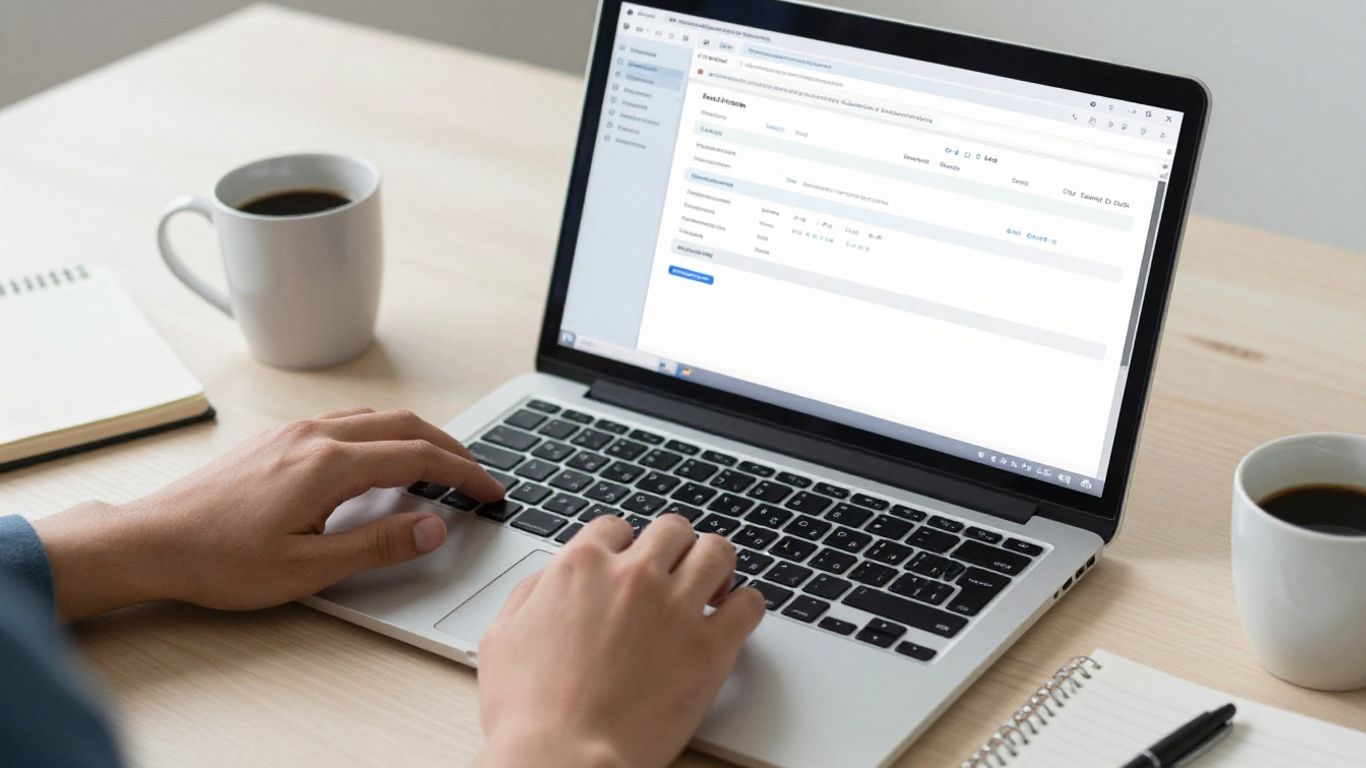
The PDF should remain your reference copy. A converted file is more convenient for sorting and importing, but the source document is what lets you investigate a questionable row or formatting issue.
How to get a boa bank statement in the mobile app
A mobile app can be useful when you need a statement away from your desk. The process is usually similar to online access, but the location of document tools may be less obvious on a small screen. Use the official app and keep the operating system and app current.
Opening statements from the account menu
Sign in and open the relevant account, then look for an account menu, documents option, or statements link. If the live transaction screen is all you can see, return to the account overview and check for a separate document area.
Mobile interfaces can change, so follow the labels currently shown on your device. Avoid using screenshots as a substitute for the full statement when an organization asks for an official PDF.
Choosing the correct account and date range
Select the account and statement period carefully before downloading. Account nicknames can be similar, and a date shown on a transaction screen may not be the same as the statement closing date.
If the app offers filters, use them to locate the period, then open the document and inspect its first page. This small pause can prevent you from sending a statement for the wrong account.
Saving or sharing a digital copy
Use the app’s download, save, or share function to place the PDF in a private location. If you send it by email or messaging, verify the recipient and consider whether the channel is appropriate for sensitive financial information.
For recurring finance work, move the file into an access-controlled folder and retain the original. A converter can then produce structured data for review, reconciliation, or reporting without requiring manual retyping of every transaction.
Checking whether mobile features vary by account
Statement tools may not look identical across checking, savings, credit, lending, or other accounts. Some documents may open in a browser, require an additional sign-in step, or be unavailable in the app even when they can be found online.
When that happens, try Online Banking on a private computer and compare the selected account and period. If neither route works, customer service can clarify whether the document is available and how it can be requested.
How to request older or paper statements
Digital archives do not necessarily contain every statement ever issued. Older records, paper copies, and documents for closed or specialized accounts may need a separate request. Start by identifying the exact account and statement period so the request is specific.
Locating statements that are no longer available online
Search the online archive first, including any date filters or account-specific document menus. If the required period is absent, note the dates that are available and the precise gap you need filled.
Keep any reference numbers, account identifiers, or correspondence connected to the request. Clear details reduce back-and-forth and help distinguish an unavailable archive document from a statement that has simply been overlooked.
Requesting documents through customer service
Contact the bank through an official phone number, secure message channel, or other verified support route. Explain whether you need a digital copy, a mailed paper copy, or both, and provide the account and statement dates requested.
Ask how long the request may take and whether the copy will arrive as a PDF or by mail. Do not provide account credentials in an email or to an unverified caller.
Visiting a Bank of America financial center
A financial center may be appropriate when you need help identifying an older record or prefer to discuss a paper request in person. Bring government-issued identification and any information that helps locate the account, while avoiding unnecessary exposure of sensitive documents.
Call ahead if the request is time-sensitive. Staff availability, document retrieval options, and appointment practices can vary by location and account type.
Understanding possible research, copy, or mailing fees
Ask about fees before confirming an older-statement request. Charges may depend on the amount of research, the number of copies, delivery method, or account terms, and the bank should explain the applicable cost.
Record the quoted fee and expected delivery date. If the document is needed for an application or filing, allow time to inspect it when it arrives rather than submitting it unopened.
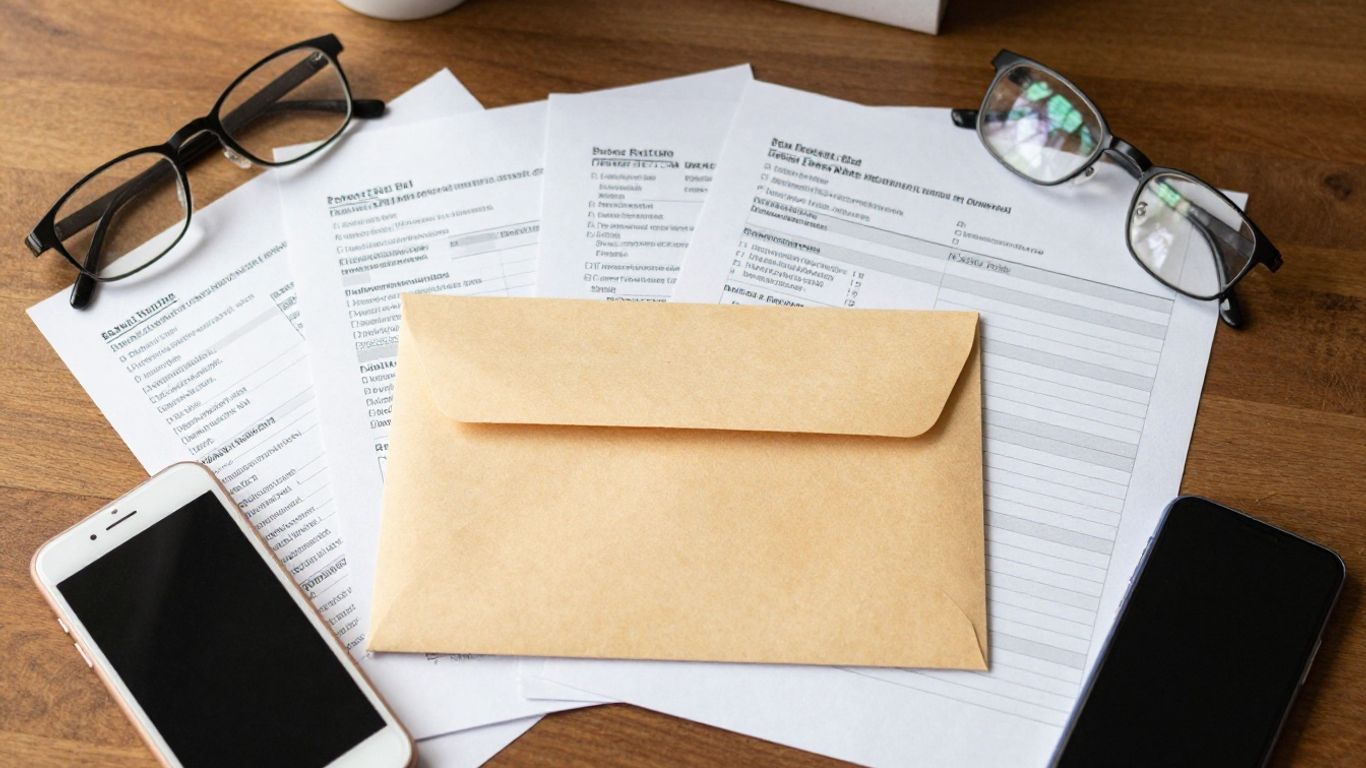
Paper copies are useful when a recipient requires them, but they also need secure storage. Scan them only when appropriate, and dispose of duplicates through a method that protects account information.
How to use a boa bank statement for common purposes
The same statement can support several administrative tasks, but the recipient may have different rules about dates, pages, and redactions. Confirm the requirements before you download or print anything. Keep an untouched original and prepare a separate working copy when you need to analyze transactions.
Verifying income, deposits, or account ownership
A statement can show the account holder, account details, deposits, and activity over a defined period. For income verification, highlight only what the recipient requests and provide supporting records if the deposits do not clearly identify their source.
Never alter transaction descriptions or balances. If you need a cleaner review file, convert statement PDFs into Excel or CSV while retaining the original PDF for comparison.
Supporting a rental, mortgage, or loan application
Lenders, landlords, and loan agents may request recent statements covering a particular number of months. Check whether they require every page, a full account number, an ending balance, or a statement downloaded directly from online banking.
A converted spreadsheet can assist internal review, but it may not replace the PDF requested by the recipient. Submit the format and date range specified, and redact information only with permission.
Reconciling transactions with personal records
Compare statement entries with your ledger, receipts, invoices, and transfer records. Mark items that are pending, duplicated, unfamiliar, or posted in a different period than expected. A structured export can make filtering and matching easier, but each exception still needs human review.
The most useful workflow is repeatable: download the source PDF, process a working copy, review extracted rows, and then reconcile them against the account record. Review before relying on imported data, especially when the source is scanned or has an unusual layout.
Meeting business, tax, or government documentation requirements
Business and tax work often benefits from consistent transaction fields, while government agencies may insist on the original statement. Store the PDF with the relevant reporting period and use a spreadsheet or CSV for calculations, sorting, and working papers.
For larger workflows, JSON or another structured format may fit downstream systems, but the output should still be checked against the statement. Keep notes about adjustments, excluded items, and the person who reviewed the file.
What to do when a boa bank statement is missing or incorrect
A missing document can result from a wrong account selection, a date filter, a login problem, or a statement that has not yet been issued. An incorrect document may contain a transaction you do not recognize or a balance that does not match your records. Separate access troubleshooting from transaction disputes so each issue reaches the right support channel.
Troubleshooting login and document access problems
First confirm that you are using the official sign-in page or app and that your credentials work for the account in question. Try a supported browser, update the app, clear a temporary loading issue, and avoid repeated attempts that could trigger a security lock.
If the document opens but will not download, try another private device or browser and check whether a pop-up or PDF viewer is being blocked. Keep a note of error messages and the time of the attempt for customer service.
Checking for a delayed or incomplete statement
Compare the statement period with the account’s normal cycle and check whether the file contains all pages. A document that ends abruptly, omits a page, or shows an unexpected period should not be used until clarified.
Use this short troubleshooting sequence before escalating:
- Confirm the account and statement date.
- Reopen the file and check the page count.
- Compare the opening and closing balances with your records.
- Try the online archive from a private browser or device.
- Contact official support if the discrepancy remains.
This sequence distinguishes a simple selection error from a genuine document or account problem, which makes the next conversation more productive.
Reporting unfamiliar transactions or account errors
Contact the bank promptly through an official channel if a transaction is unfamiliar or an account detail appears wrong. Gather the statement date, transaction date, amount, description, and any related receipt, but do not delay reporting while trying to build a perfect file.
Keep copies of messages and confirmation numbers. If you use extracted data to identify exceptions, compare every flagged row with the original PDF before describing the issue.
Protecting downloaded statements and personal information
Store statements in a private, access-controlled folder and remove temporary downloads from shared devices. Use a strong device passcode, avoid public Wi-Fi for account access when possible, and check recipients carefully before sharing.
Do not upload a statement to a third-party service without reviewing its privacy and retention information. Privacy and security practices can help finance teams assess how uploaded files and account details are handled before choosing a document-processing workflow.
Conclusion
Whether you retrieve a recent PDF online, use the mobile app, or request an older paper copy, the safest process is to verify the account, period, and document contents before sharing it. Keep the original statement, create structured working data only when useful, and review extracted transactions before relying on them for reconciliation, applications, or reporting.
Frequently Asked Questions
What is a boa bank statement?
It is a dated record of activity for a Bank of America account, usually showing account details, transactions, balances, and the statement period.
Can I get a bank statement online?
Recent statements are often available through a bank’s online document archive after you sign in and select the correct account and period.
Can I get a statement from the mobile app?
Many banking apps provide access to statements or account documents, but the available dates and download options can vary by account and app version.
How do I get an older bank statement?
Check the online archive first. If the period is unavailable, contact the bank through an official channel or visit a branch to ask about document retrieval.
Can I request a paper bank statement by mail?
You can ask customer service whether a paper copy is available, how long delivery takes, and whether research, copying, or mailing fees apply.
What should I check before submitting a statement?
Confirm the account holder, masked account number, statement dates, page count, transactions, and balances. Also check the recipient’s requirements for redaction and file format.
Can a PDF statement be converted to a spreadsheet?
Yes. Digital PDFs can often be parsed into rows, while scanned PDFs may require OCR. Review the resulting dates, descriptions, amounts, and balances against the original before using the data.