How to make bank statement online free for legitimate recordkeeping
Learn how to make bank statement online free for accurate, legitimate recordkeeping.
Key Takeaways
A self-created record can help with budgeting, reconciliation, and personal review, but it is not an official bank statement. The safest workflow is to obtain original data from your bank, verify every figure, protect sensitive details, and label the finished file honestly.
- Use your bank’s portal when an official statement is required.
- Create a personal summary only for legitimate recordkeeping.
- Check dates, descriptions, debits, credits, and balances carefully.
- Avoid uploading sensitive information to unverified online tools.
- Export and share the finished document as an unofficial record.
Understand what you can and cannot create online
There is a meaningful difference between making a bank statement-style record and obtaining a real bank statement. Online tools can help you organize information you already have, but they cannot turn a personal document into a bank-issued record. Before you make bank statement online free, decide what the document is for and who will review it. That simple decision prevents many avoidable problems.
The difference between an official statement and a personal record
An official statement is issued by a financial institution and normally includes its own formatting, identifying information, transaction history, and statement period. A personal record is prepared by you from source information, such as downloaded transactions or an existing statement. It may be useful for checking spending or preparing working papers, but it should be clearly labeled as unofficial. The appearance of a document does not determine its authority.
When a bank-issued PDF is required
A lender, government office, landlord, auditor, or legal process may specifically request an official statement. In those situations, download the document through online banking or ask the institution to provide a replacement. A self-created summary may help you understand the figures before submitting them, but it should not be presented as a substitute for the requested bank-issued PDF.
Legitimate uses for a self-created financial summary
A personal summary can be appropriate for internal budgeting, cash-flow review, bookkeeping preparation, or comparing transactions against a ledger. It can also make a long record easier to discuss with an accountant, provided the underlying source remains available. For finance teams, converting an existing PDF into structured rows can reduce retyping before reconciliation; bank statement PDF conversion offers additional background on that workflow. The useful goal is clarity, not imitation.
Why fabricating or altering bank records is unlawful
Creating false transactions, changing balances, removing entries, or adding a bank logo to mislead someone can amount to fraud or document forgery. Even if the document is made with a free online editor, the intended use still matters. Keep original files, retain an audit trail of changes, and never describe a personal worksheet as an official statement. When in doubt, ask the requesting organization what evidence it accepts.
Find a safe free online option
The right free option depends on whether you need to download an official file, arrange data in a spreadsheet, or fill out a personal form. Start with the least invasive method: use information already on your device rather than sending account data to an unfamiliar service. A tool that extracts data from an existing statement serves a different purpose from one that generates a statement-style page. Read the workflow and privacy terms before uploading anything.
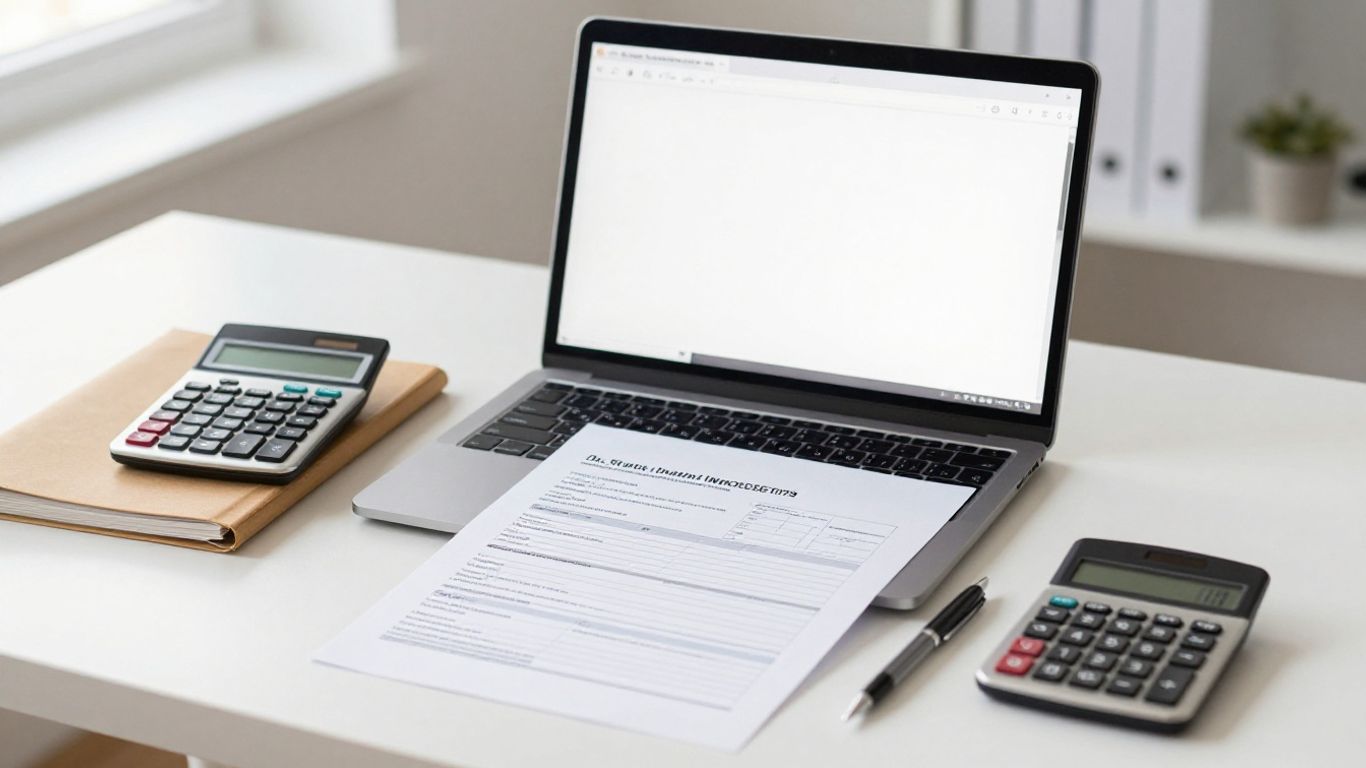
Bank portals and official statement downloads
Your bank’s online portal is usually the appropriate source for an official statement. Look for document, statements, or download options, then save the original PDF without editing it. If you need transaction rows for analysis rather than presentation, a converter such as Know Your Bank Statement is described as extracting structured data from digital or scanned PDF statements and exporting it to Excel, CSV, and JSON. That preserves the distinction between source evidence and working data.
Spreadsheet and document templates
A spreadsheet is often enough for a personal record. Set up columns for the date, description, debit, credit, and running balance, then add a separate area for the account name and statement period. A document template may be easier when you need a printable summary, while a personal recordkeeping template can help with basic layout. Whichever format you choose, label it plainly as a personal financial summary.
PDF form tools for personal recordkeeping
A fillable PDF can be convenient when the purpose is internal review or sharing a clearly unofficial record. Enter only information that is necessary, keep the source statement alongside the completed form, and avoid adding institutional branding. The finished file should make its status obvious in the title or a note near the top. Formatting can improve readability, but it does not confer official status.
Risks of unverified AI statement generators
A generator may produce a polished layout without knowing whether the data is complete or true. It may also encourage users to upload account numbers, transaction details, or identity information without a clear retention policy. Treat generated content as a draft at most, and do not rely on invented fields or guessed balances. A structured extraction workflow is safer when it begins with an authentic source document and includes human review.
Gather the information for your record
Accuracy starts before the document is formatted. Gather the original statement, downloaded transaction file, or other reliable source and decide which period the record covers. Keep account context with the transaction rows so a reviewer can understand where the numbers came from. If a figure cannot be traced to a source, leave it unresolved rather than filling the gap with an assumption.
Account and statement period details
Record the account type, the account holder or business name where necessary, and the beginning and ending dates for the period. Use a masked account number if identification is needed, rather than displaying the full number. Note the source file name and download date in a private working log. These details make later review easier without exposing more information than the task requires.
Transaction dates, descriptions, and amounts
Copy transaction dates exactly, or document any date-format conversion you make. Keep descriptions recognizable, even if you shorten them for display, and separate deposits from withdrawals instead of relying on positive and negative signs alone. Watch for pending transactions, duplicate rows, fees, and transactions that cross statement periods. A converter can organize extracted fields, but a person still needs to inspect unusual rows.
Opening, closing, and available balances
Opening and closing balances belong to the statement period, while an available balance may reflect holds or transactions that have not settled. Do not treat those figures as interchangeable. Check whether the source uses a separate debit and credit column, and preserve that distinction in your working record. If your numbers do not reconcile, pause and investigate rather than adjusting a balance to make the ending figure fit.
Supporting documents for accuracy
Keep the original PDF, CSV download, receipts, deposit records, and reconciliation notes in a controlled folder. If a scanned statement is involved, compare extracted rows with the image because OCR can misread characters in poor-quality documents. For recurring work, a transaction data extraction guide can help you think through conversion and review steps. Supporting files are especially valuable when another person must validate the record later.
Build a clear bank statement-style record
Once the information is assembled, build a document that is easy to read without pretending to be issued by a bank. Use a straightforward title such as “Personal Transaction Summary” and include the covered period. Keep the source and working version separate, especially if several people will review the data. Good formatting should make discrepancies easier to see, not hide them.

Organizing account information and transactions
Put the period, account label, and preparation date near the top, followed by a transaction table with consistent columns. Sort rows chronologically unless there is a clear reason to use another order. If you convert a PDF into a spreadsheet, structured statement rows can be useful for organizing dates, descriptions, amounts, and balances before review. Avoid copying a bank logo or reproducing a design that could confuse a reader about the document’s origin.
Calculating deposits, withdrawals, and running balances
A running balance should follow a transparent formula: prior balance plus credits minus debits, with fees handled according to the source statement. Test the first and last rows against the opening and closing figures. For a long record, a small reconciliation table makes the arithmetic easier to inspect:
| Check | Source figure | Working figure | Result |
|---|---|---|---|
| Opening balance | $2,400.00 | $2,400.00 | Matches |
| Net activity | $350.00 | $350.00 | Matches |
| Closing balance | $2,750.00 | $2,750.00 | Matches |
The example is a checking aid, not a substitute for your own figures. Reviewable calculations matter because a neat layout can still contain a copied or classified transaction incorrectly.
Adding notes without misleading labels
Use notes to explain a correction, a pending item, or a classification choice, but do not rewrite the underlying transaction. A note such as “categorized as office expense for internal review” is clearer than changing the merchant description. Add a visible statement that the document is unofficial and prepared for personal or internal recordkeeping. That disclosure protects the reader from mistaking commentary for bank data.
Formatting the document for easy review
Use one date format, align amounts consistently, and keep debit and credit columns visually distinct. Include page numbers if the record is long, but do not remove rows merely to fit a page. Before exporting, check that headings, totals, and notes remain readable at normal zoom. A clean document supports reconciliation; it should never be used to disguise missing information.
Protect your privacy and financial information
Bank records contain more than transaction amounts. They can reveal identity, business relationships, locations, and spending patterns, so privacy decisions belong in the workflow from the beginning. Free does not mean risk-free, and convenience is not a reason to disclose a full account number. Use the smallest amount of information needed for the record’s purpose.
Removing unnecessary account details
Mask account numbers, omit addresses when they are not needed, and remove tax identifiers or login-related information. If a reviewer only needs the last four digits to identify an account, do not include the rest. Redact copies rather than altering the original source statement. Keep an unredacted original in a protected location only when retention is necessary.
Checking an online tool’s privacy policy
Read how the service handles uploads, extracted data, cookies, backups, and deletion requests. Look for plain explanations of processing and retention rather than relying on a security badge alone. The privacy policy for statement processing is a useful example of the kind of information to examine, including retention and uploaded-file handling. If the policy is vague, choose an offline method or avoid uploading sensitive records.
Avoiding uploads of sensitive banking data
Before using an online converter, check whether the task can be completed locally or with a redacted sample. Never enter online-banking credentials into a document tool, and do not upload a statement simply to test an unfamiliar generator. When uploading is necessary, use the original service’s stated process and remove unrelated pages first. Review the returned file for accidental exposure before saving it.
Storing and sharing the finished file securely
Use a protected folder with access limited to people who need the record. Prefer encrypted transfer or an approved document system when sharing with an accountant or colleague, and avoid sending an unprotected attachment to a broad mailing list. Set a retention date for temporary working files. Delete duplicates and downloads that no longer serve a documented purpose.
Review and export the document responsibly
Exporting is the final step, not the point at which review ends. Open the finished file on another device or in another viewer to check that columns, page breaks, and redactions survived conversion. Compare the working record with the original source and preserve both versions when the record may need to be audited. The final document should be understandable to someone who did not prepare it.
Verifying totals against official records
Recheck the opening balance, each transaction group, fees, credits, debits, and closing balance against the official source. Investigate missing rows, duplicated entries, unusual signs, and OCR errors. If the document will support reconciliation, have another person review exceptions rather than accepting a clean-looking total. Human verification remains essential when extracted data informs accounting or financial decisions.
Saving as PDF and naming the file clearly
Save a stable PDF copy after the spreadsheet or document has been reviewed, and keep the editable working file separately if needed. A useful name includes the account label, covered period, and status, such as Operating-Account-2026-07-unofficial.pdf. Do not use names such as official-bank-statement for a file you created yourself. Clear naming reduces confusion when files are stored or shared.
Distinguishing unofficial records from bank statements
Place “Unofficial personal record” or “Internal transaction summary” where it can be seen without opening a separate note. Do not use a bank seal, signature, letterhead, or other feature intended to suggest issuance by a financial institution. Explain the source and preparation date if a reviewer needs context. Honest labeling is part of responsible recordkeeping, not an optional disclaimer.
Requesting an official replacement statement when needed
If the original statement is missing, contact the bank through its official website, secure message system, branch, or phone number shown on a trusted document. Ask for the precise period and account that the requesting party needs. Keep your personal summary for comparison, but submit the bank-issued replacement when official evidence is required. This route is slower than formatting a document, yet it resolves the authority question cleanly.
Conclusion
A free online workflow can organize legitimate financial records, but it cannot manufacture official evidence. Start with authentic source data, extract or enter it carefully, reconcile the figures, protect private details, and label every self-created file honestly. That approach keeps a useful personal summary separate from the bank statement a formal process may require.
Frequently Asked Questions
Can I make a bank statement online for free?
You can create a free personal transaction summary using a spreadsheet, document template, or form tool. It is not an official bank statement unless it is issued by your financial institution.
How do I get an official bank statement online?
Sign in to your bank’s official online portal and look for statements or documents. If the period is unavailable, contact the bank and request a replacement statement.
Is a self-created bank statement legal?
A self-created record is generally suitable for personal tracking or internal bookkeeping when it is accurate and clearly labeled. Altering or presenting it as an official record to mislead someone can be unlawful.
What information should a personal summary include?
Include the covered period, a suitable account label, transaction dates, descriptions, debits, credits, and relevant balances. Mask or omit details that the intended reviewer does not need.
Can I use a personal summary for a loan application?
Ask the lender what documents it accepts before submitting anything. Many formal applications require statements issued directly by the bank rather than a personal summary.
How can I check that transaction totals are correct?
Compare the opening and closing balances and each transaction against the original statement or trusted download. Investigate missing, duplicated, or misread rows before relying on the totals.
Is it safe to upload a bank statement to a free online tool?
No online upload should be treated as risk-free. Review the service’s privacy and retention terms, remove unnecessary information, and avoid uploading sensitive data when an offline method will work.