How to access and understand your Citi bank statement
A statement is most useful when you check its dates, balances, and activity together. Use the steps below to find a copy, review it carefully, and keep it...
Key Takeaways
A statement is most useful when you check its dates, balances, and activity together. Use the steps below to find a copy, review it carefully, and keep it accessible for your records.
- Confirm the account and statement period before reviewing activity.
- Compare transactions and balances with your own records.
- Check the due date and minimum payment on a credit card statement.
- Use your account’s statement or document area to view available statements.
- Save downloaded files in a secure, organized location.
What a Citi bank statement includes
A Citi bank statement gives you a dated record of activity for a particular account. Its layout depends on the account type, but you can generally use it to identify the statement period, follow money in and out, and review charges or interest. Start by confirming that you have the right account and dates before relying on the details.
Account details and statement period
Look near the top of the document for account-identifying information and the dates covered. The statement period matters: it tells you which activity is included and helps you compare one statement with another. Keep in mind that a statement balance reflects a particular point in time, so it may not match the account’s current balance.
If you keep several accounts, label saved files with the account type and statement dates rather than relying on a vague filename. You can also consult this Citi statement guide for a related overview of finding and understanding statement details.
Transactions, deposits, and withdrawals
The activity section lists transactions recorded during the statement period. Depending on the account, entries may include deposits, withdrawals, card purchases, payments, or credits. Read the date, description, and amount together; a merchant name may be shortened, and the posting date can differ from the date you made a purchase.
If you need transaction details in a structured format for review, Know Your Bank Statement converts bank statement PDFs into Excel, CSV, or JSON files. Compare any extracted data with the original PDF, especially when the layout is dense or a line is difficult to read.
Balances, fees, and interest charges
A statement may show an opening balance, activity during the period, and a closing or new balance. Fees and interest, when applicable, can affect the total, so check those entries rather than treating the balance as a simple sum of purchases. The table below gives you a quick way to distinguish common statement figures; exact labels vary by account.
| Statement item | What it generally tells you | What to check |
|---|---|---|
| Opening or previous balance | Amount carried into the period | Compare it with the prior statement |
| Deposits, payments, or credits | Money added or applied to the account | Check the date and amount |
| Withdrawals, purchases, or debits | Money taken from the account or charged | Match entries to your records |
| Closing or new balance | Amount shown at the end of the period | Note the statement date and any listed charges |
Use the figures as a connected record: the opening balance, activity, and listed charges help explain the closing balance. If the totals do not seem to reconcile, review the transactions and dates before drawing conclusions.
How to find your statement online
You can usually locate electronic statements after signing in to your account through the issuer’s official online banking site or mobile app. The exact menu names and available options can vary, so look for an area related to statements, documents, or account activity. Before downloading anything, make sure you have selected the correct account.

Sign in to Citi Online
Open the official Citi website or app and sign in using your account credentials. Avoid following unexpected links in messages; navigating to the official site yourself is a safer way to reach your account. Once signed in, check that the account information displayed is yours before opening financial documents.
For a general reference on online statement access, you can review guidance about viewing and printing statements. Use the official account interface for your own statement and follow its current prompts.
Find statements in the account menu
Look in the account’s navigation for a statement or document option. You may need to open a specific account first, since checking, savings, and credit card documents can be grouped separately. If you do not see a statement link immediately, check the account menu or its available documents rather than assuming the file is unavailable.
Choose the right account and statement period
Select the account you need, then choose the statement period from the available list. Check the dates shown on the document before saving it; a recent transaction may not appear if it fell outside that statement’s closing period. When you are gathering multiple months, work in date order so you can spot gaps more easily.
What to try if a statement is missing
A missing statement can be a matter of selecting the wrong account or period, or of looking in a different menu than expected. Before contacting support, take a moment to rule out the common navigation issues:
- Confirm that you opened the intended account.
- Check the period selector and any document or statement menu.
- Sign out and back in, or try the official app or website again.
If the statement still does not appear, contact the issuer through a verified support channel and ask about access to that specific period. Avoid sharing account credentials in an email or message while trying to resolve the issue.
How to view and download a statement
Once you have found the right statement, open it and confirm its account and date range. Many online statements are presented as PDFs, which are useful for reading or keeping an unchanged copy. If you also need transaction data for reconciliation or analysis, keep the original statement available as your reference.
Open a statement in your browser
Select the statement you want to review and allow it to open in the browser or its document viewer. Check the first page for the account and statement dates, then scan the remaining pages for activity and any disclosures. If the document appears incomplete or difficult to read, try opening it again or use the available download option.
Download or print a PDF
Use the document viewer’s download control to save a copy, or choose its print option when a paper copy is useful. Know Your Bank Statement can extract transaction data from digital or scanned bank statement PDFs into structured files; the PDF remains the source to consult when checking the extracted entries. You can also follow this credit card statement guide for general tips on reviewing balances, dates, and transactions.
After downloading, open the file to confirm it saved correctly and that the pages are readable. If you print it, check that all pages are included and that the printout is legible before setting it aside.
Save statements securely for your records
Choose a storage location that is protected and that you can find again when needed. Use a consistent filename, such as the account type and statement period, and avoid leaving files on a shared or public device. If you move a copy into a bookkeeping or review workflow, retain the original PDF so you can verify the source later.
How to read a Citi credit card statement
A credit card statement summarizes activity for a billing cycle and identifies what is owed as of the statement date. Focus first on the payment information, then review how purchases, payments, fees, and interest contribute to the total. A credit card statement overview can also help explain common sections and figures.
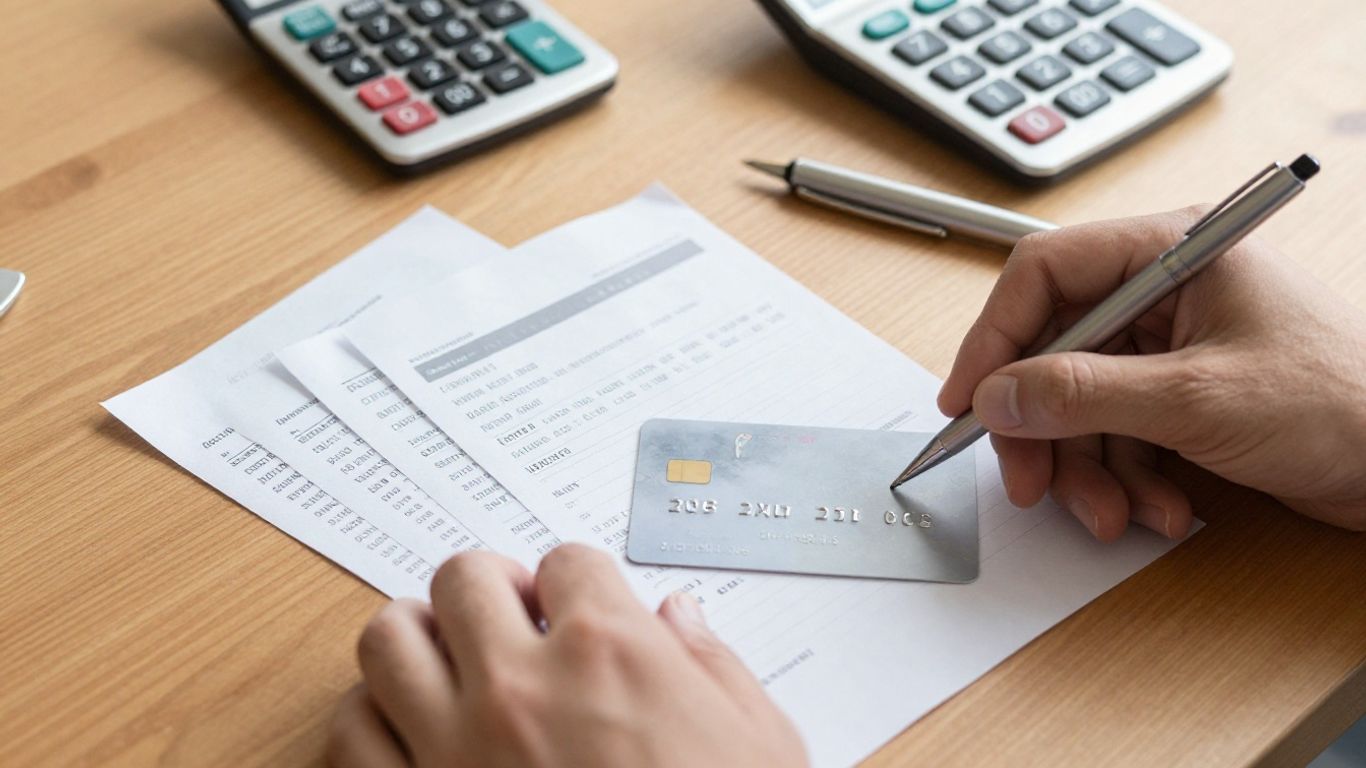
Check the new balance and minimum payment
Find the new balance and minimum payment in the payment information area. The new balance is tied to the statement period, while your current account balance may change after the statement closes. Check both amounts and dates before planning a payment, and use the statement’s own payment instructions for the account.
Find the payment due date and billing cycle
The billing cycle dates show which period of activity the statement covers, while the due date indicates when the listed payment is expected. These dates answer different questions: one defines the activity included, and the other gives you a payment deadline. Make a note of the due date and check that you are looking at the latest statement before acting.
Review interest charges and fees
Look for separate entries or summary lines for fees and interest. If a charge is unfamiliar, compare it with the transaction detail and any applicable account terms rather than guessing from a short label. Reviewing these amounts each cycle can help you recognize changes and ask a focused question if something looks wrong.
Compare transactions with your receipts
Go through purchases and credits one by one, checking descriptions, dates, and amounts against receipts or your own records. A merchant descriptor may not exactly match the name on a receipt, so consider the date and amount as well. For transaction-focused review, Know Your Bank Statement converts statement PDFs into structured formats, but you should verify extracted entries against the source document.
How to manage paperless statements
Electronic delivery can make it easier to find a statement without sorting through paper, but you still need to know where the files are kept and how to access them. Review your delivery settings through the account’s official website or app. Since interface labels and available choices can change, follow the options currently shown for your account.
Enroll in electronic delivery
Look for statement delivery preferences in your account settings and follow the enrollment prompts if electronic delivery is available. Read any notices about delivery and access before confirming a change. Once enrolled, check that you can still locate and open a statement from the account area.
Update statement and account alerts
Review the notification settings associated with your account and choose the alerts that suit your needs. An alert can prompt you to sign in and check for a statement or account update, but it is not a substitute for reviewing the document itself. Keep contact details current so account notices can reach you.
Understand access to past statements
Available statement periods can depend on the account and the issuer’s current online options. If you need an older document, look through the period selector and contact the issuer if the date you need is not listed. Download important records when you can access them, and keep them in a secure location so you are not relying on an online menu alone.
What to do about statement problems
A discrepancy is easier to investigate when you can point to a specific date, entry, or total. Compare the statement with your receipts and other records, and keep a copy of the relevant page for reference. The goal is to describe what you found clearly and contact the issuer through a verified channel when needed.
Report an unfamiliar transaction
Check whether the entry could be a delayed posting, a merchant operating under another name, or a transaction you made through a digital service. If it remains unfamiliar, contact the issuer promptly using the number or secure contact option provided through official account materials. Keep notes about the transaction and the date you reported it.
Address an incorrect balance or fee
Recheck the statement period and the entries that contribute to the balance before reporting a possible error. If a fee or total still appears incorrect, gather the relevant statement page and any supporting records, then ask the issuer to explain or review it. For teams using Know Your Bank Statement to organize transaction data, extraction quality depends on the statement’s quality and layout, so confirm questionable entries against the original PDF.
Get help when you cannot access your account
Use the official website or app to find the account recovery or support options, and do not share passwords or verification codes with someone who contacts you unexpectedly. If a document is unavailable after you regain access, ask support about that statement period specifically. Keep a note of the steps you tried so you can explain the issue without repeating the search.
Conclusion
When you check the account, dates, transactions, and totals together, a citi bank statement becomes a practical record rather than a collection of unfamiliar figures. Save the original securely, compare activity with your records, and ask the issuer about entries or access issues you cannot resolve yourself.