Difference Between Passbook and Bank Statement (Complete Guide)
Passbook vs bank statement: format, access, detail, and when each makes sense—plus why statements win for taxes, loans, and digital analysis.
When managing your finances, you will often come across two important documents: a passbook and a bank statement. While both help you track transactions, they work differently and fit different habits.
In this guide, we explain the difference between passbook and bank statement in a simple, practical way.
What is a Passbook?
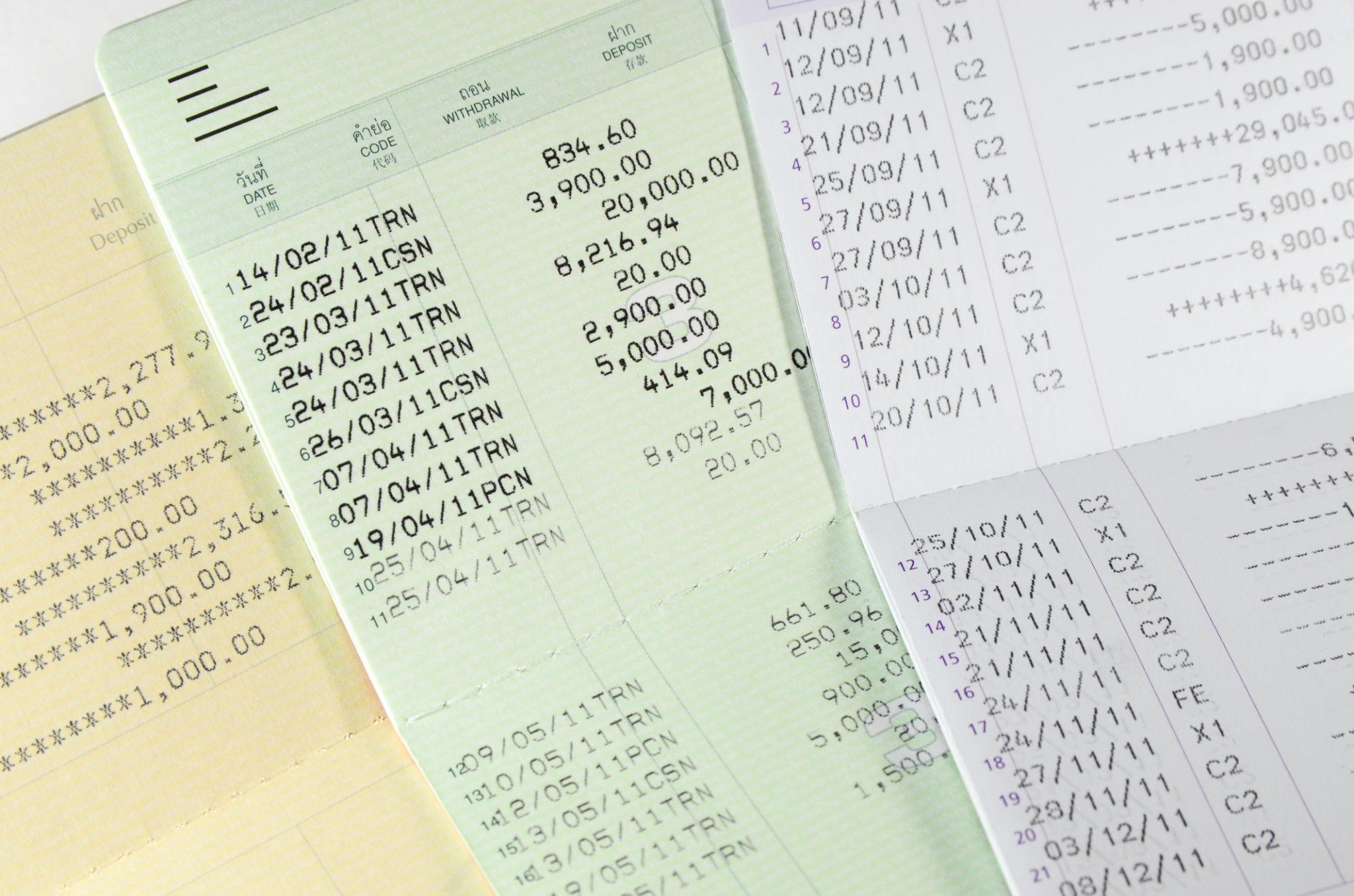
A passbook is a small physical booklet issued by your bank when you open a savings account. It records transactions such as:
- Deposits
- Withdrawals
- Interest credits
- Account balance
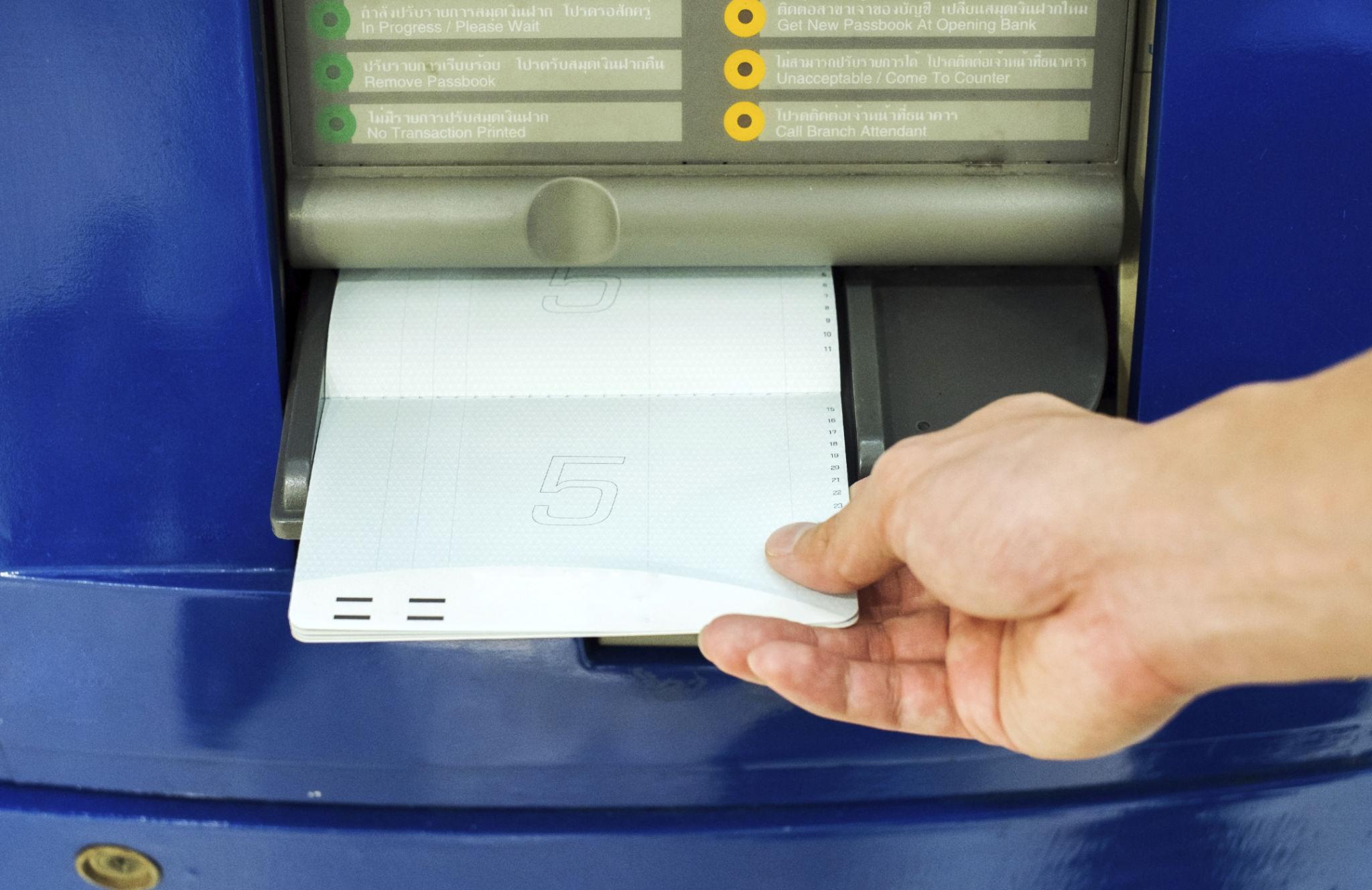
You usually need to visit the bank or use a passbook printing machine to update it.
Key point: a passbook is a physical record, updated manually or printed periodically.
Passbook examples (photos)
What is a Bank Statement?
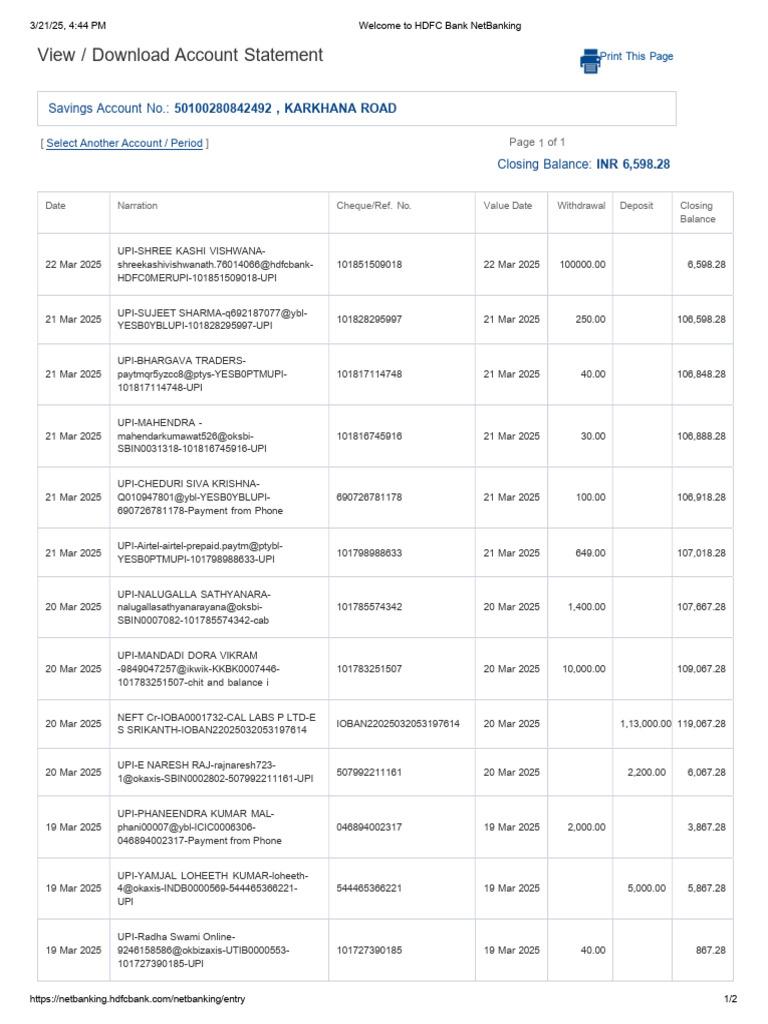
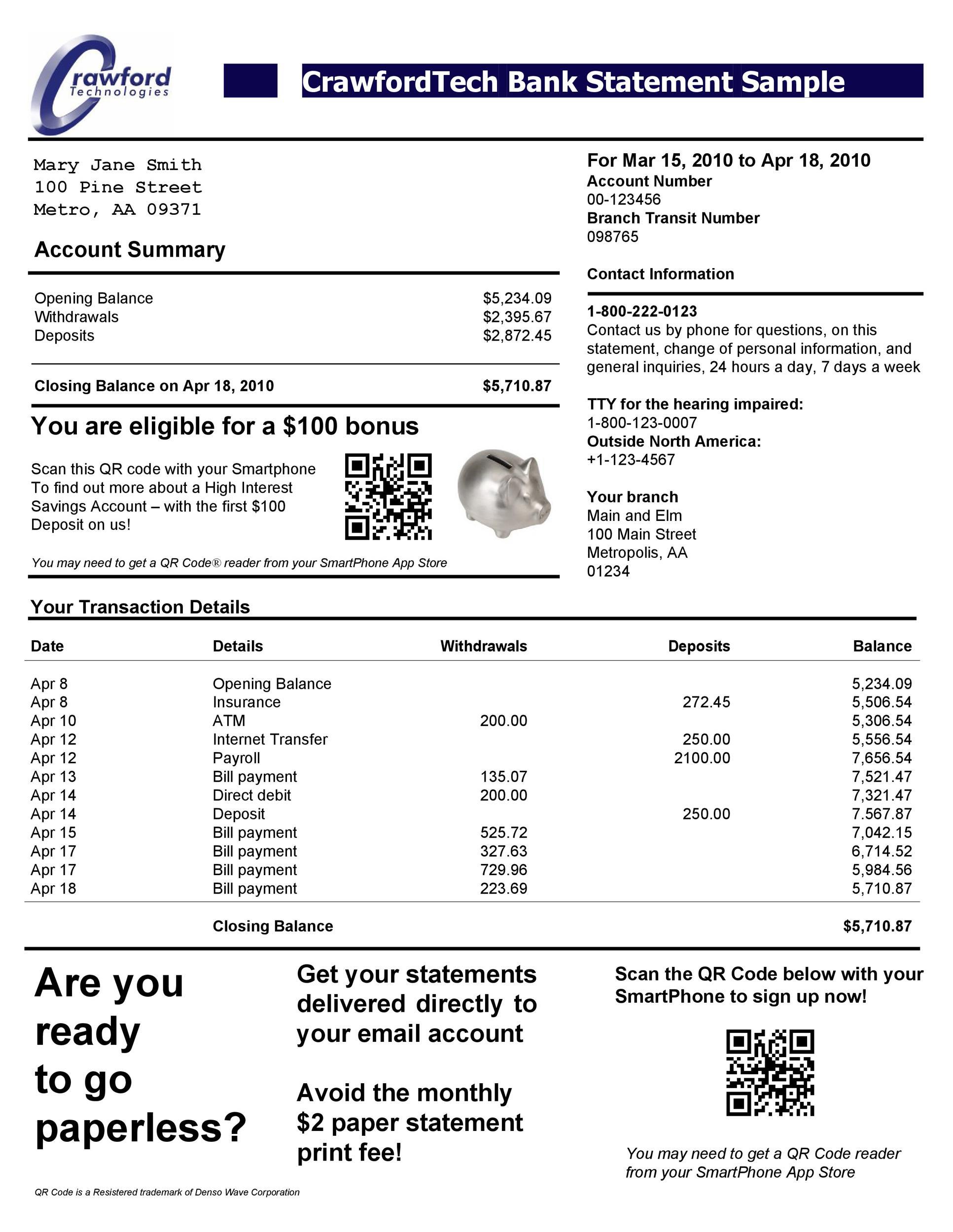
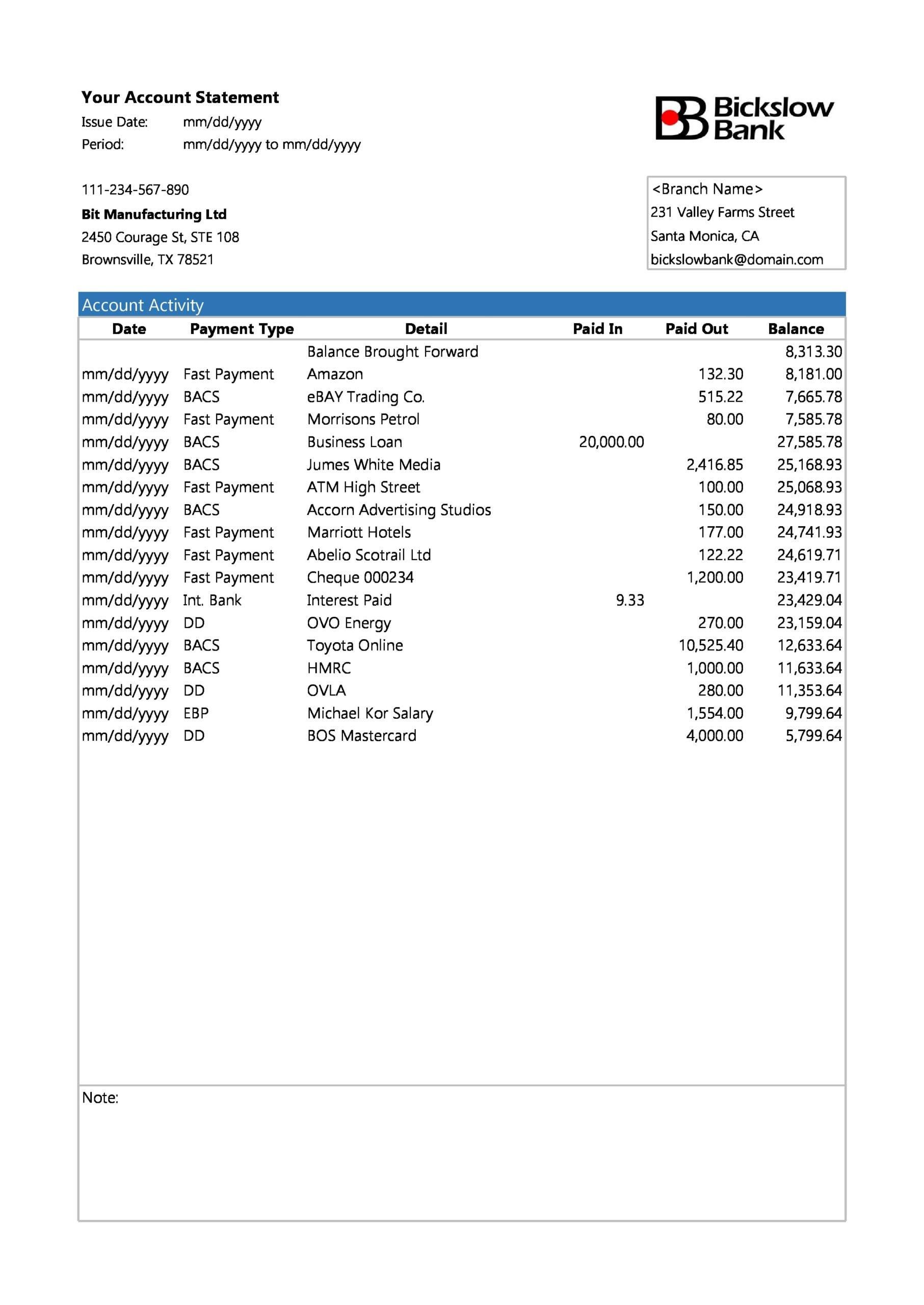
A bank statement is a digital or printed document that summarizes your account activity over a period. You can access it through:
- Net banking
- Mobile banking apps
- Email (monthly statements)
Key point: a bank statement is generated by the bank and is easy to download anytime.
Bank statement examples (photos)
Difference Between Passbook and Bank Statement
| Feature | Passbook | Bank Statement |
|---|---|---|
| Format | Physical booklet | Digital (PDF) or printed document |
| Accessibility | Requires bank visit or update machine | Available online anytime |
| Update frequency | Manual / needs printing | Auto-generated |
| Convenience | Less convenient | Highly convenient |
| Details | Basic transaction details | Detailed transaction history |
| Usage | Traditional banking | Modern banking and financial tools |
Key Differences Explained
1. Accessibility
A passbook usually means visiting the bank or a kiosk-style printer.
A bank statement can be downloaded from your phone or laptop in seconds.
2. Level of detail
Passbooks often show limited fields.
Statements typically include richer details such as references, modes, and identifiers—useful for reconciliation and audits.
3. Convenience
Passbooks are harder to search, filter, or share.
Statements are easy to store digitally, email securely, and convert to spreadsheets.
When Should You Use a Passbook?
A passbook can still make sense if:
- You prefer a physical record
- You rarely use digital banking
- You only need basic transaction tracking
When Should You Use a Bank Statement?
A bank statement is usually better when:
- You need detailed financial analysis
- You are filing taxes or GST
- You want to track spending digitally
- You need to share proof (loans, visas, reimbursements, etc.)
Why Bank Statements Are More Useful Today
Digital workflows make statements more powerful than passbooks for most people. You can:
- Convert statements into Excel or CSV
- Analyze income versus expenses
- Automate accounting imports
- Spot unusual transactions quickly
That is especially helpful for freelancers, businesses, and professionals.
Final Thoughts
Both tools help you track money, but they serve different needs.
- Passbook — traditional, physical, basic tracking
- Bank statement — digital, detailed, and convenient
For most people today, bank statements are the faster, more flexible option.
Bonus tip
If you work with statements often, converting them into Excel can save hours. It makes it easier to filter transactions, separate CR/DR entries, and convert to spreadsheets for reports.